Prefocus
Prepare everything.
Then do the work.
A productivity technique and iOS app.
A productivity technique and iOS app.
Planning what to do, when to do it, and removing every distraction before you begin — so that when you sit down to work, focus is all that's left.
You have things you want to get done — projects, goals, habits. They're floating around in the back of your head all day. You tell yourself you'll start after lunch, after this episode, after one more scroll. The intention is there. The clarity isn't.
When you finally sit down to work, your phone is right there. One quick check turns into twenty minutes. The tasks in your head never made it into a plan, and the distractions on your screen are always one tap away.
Prefocus helps you get those thoughts out of your head, turn them into a real plan, and lock away distractions so you actually follow through.
Before you start working, you prepare everything — so that when it's time, you just do the work.
Get everything out of your head and onto a list. All the things you've been meaning to do — capture them.
Decide when each task happens. Put it on your calendar so you know exactly what you're doing and when.
While you're planning, decide what to block for each task. Instagram, YouTube, Reddit — choose now, not later. When the task starts, your distractions are already gone.
That's prefocusing. By the time you sit down to work, there's nothing left to decide and nothing left to resist.
To do this technique on your own, you'd need a reminders app, a calendar app, and a screen time app — all working separately. That's why we built Prefocus. It combines your tasks, calendar, and screen time into one app — designed around the technique.
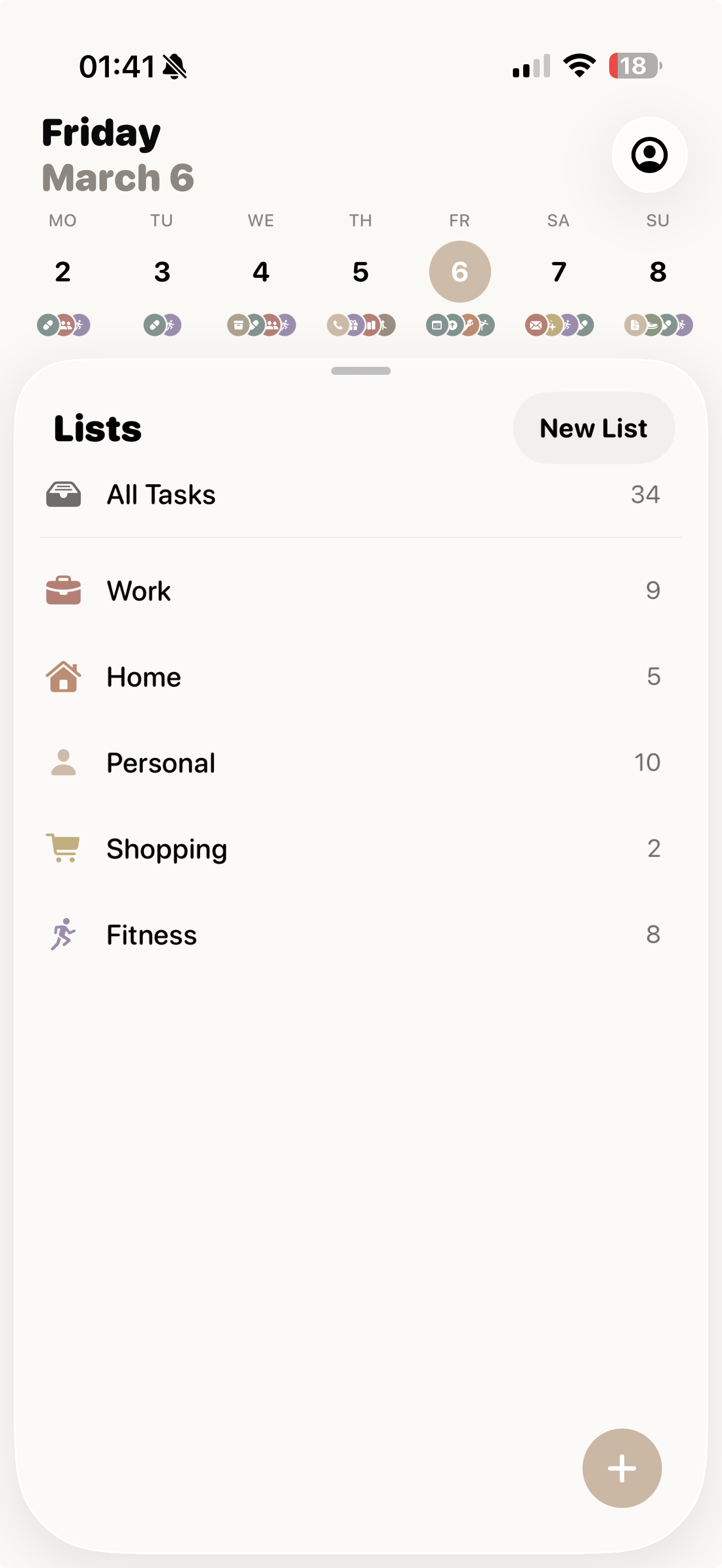
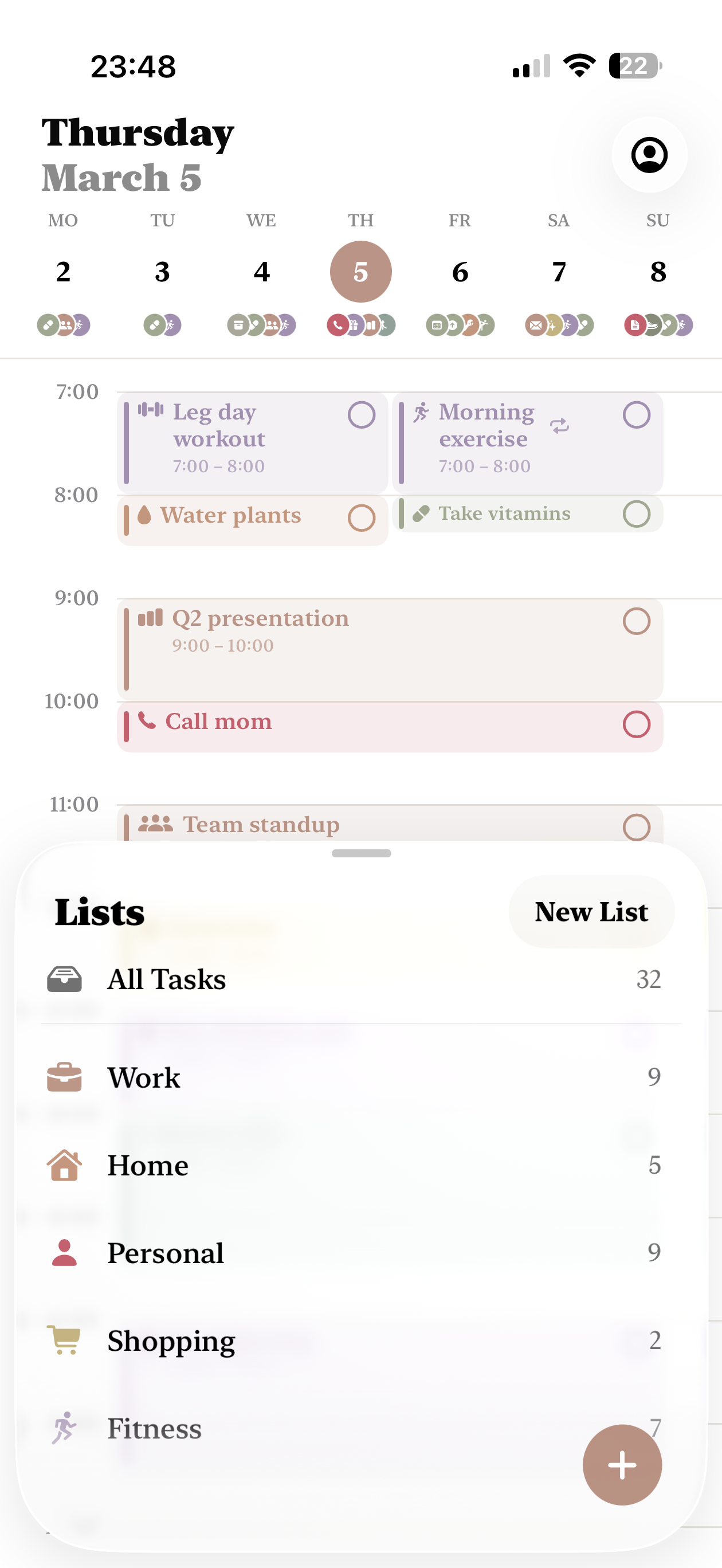
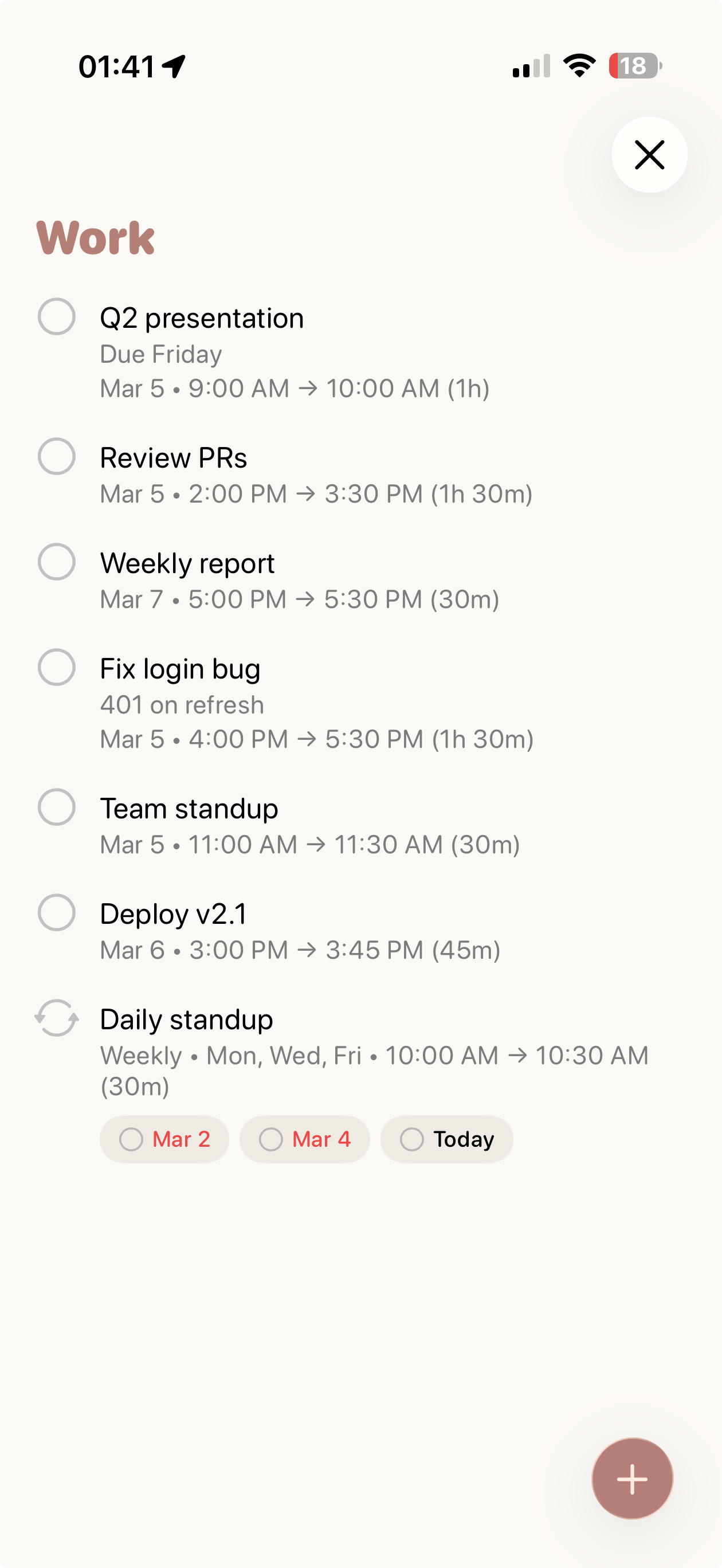
Create todos, organize lists, and schedule everything. Your calendar builds itself from your tasks.
Attach focus to any task. Pick which apps to block. Your phone locks down before you start.
Distractions are blocked, notifications silenced. When the session ends, everything unlocks.
You want to study every day next week. You create a recurring task — Monday to Friday, 10 AM to 1 PM. Then you attach a focus mode and choose which apps to block — Instagram, YouTube, Reddit, whatever pulls you in. Five sessions, planned and prefocused in seconds.
Monday morning, 10 AM — you get a reminder that your session has started. The apps you chose are blocked automatically. Nothing to set up, nothing to resist. You just sit down and study.
Same thing Tuesday. Wednesday. Thursday. Friday. One setup on Sunday — an entire week of focused work.
Start with the technique. Master it with the app.

Free to download. No account required.